
From saved recipe to dinner on the table.
Keep your recipes in one place, plan the week, and cook from your phone, tablet, or a printed page.
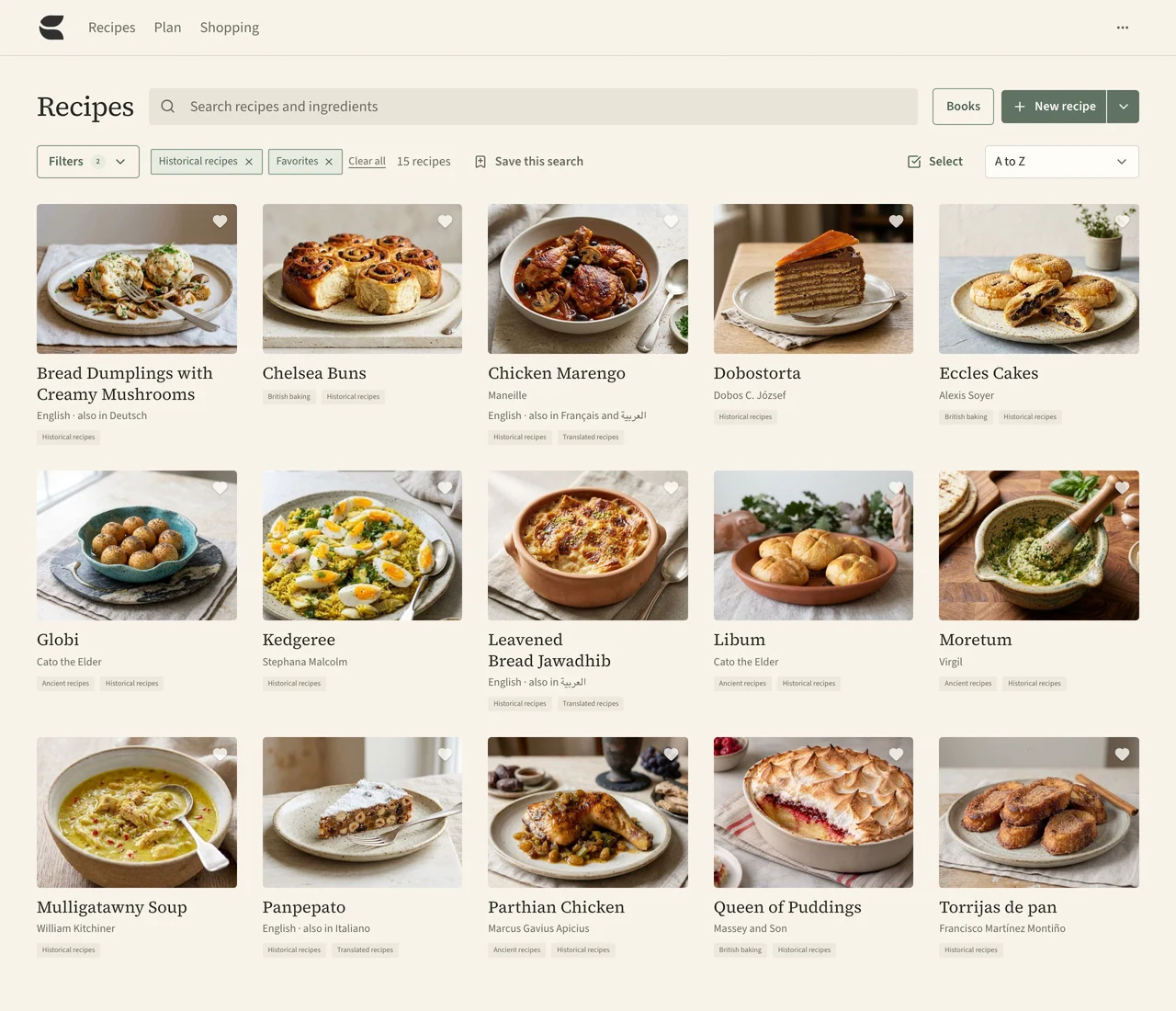
Find any recipe in seconds.
Search by a recipe’s name or by what’s in it, and narrow the list by favourites, tags, or book.
- Search what’s in the fridge. Type “lemon” and see every recipe that uses it.
- Save the searches you use. Weeknight dinners or holiday baking, one click away.
- Never lose a change. Every edit is kept, so you can go back to an earlier version.
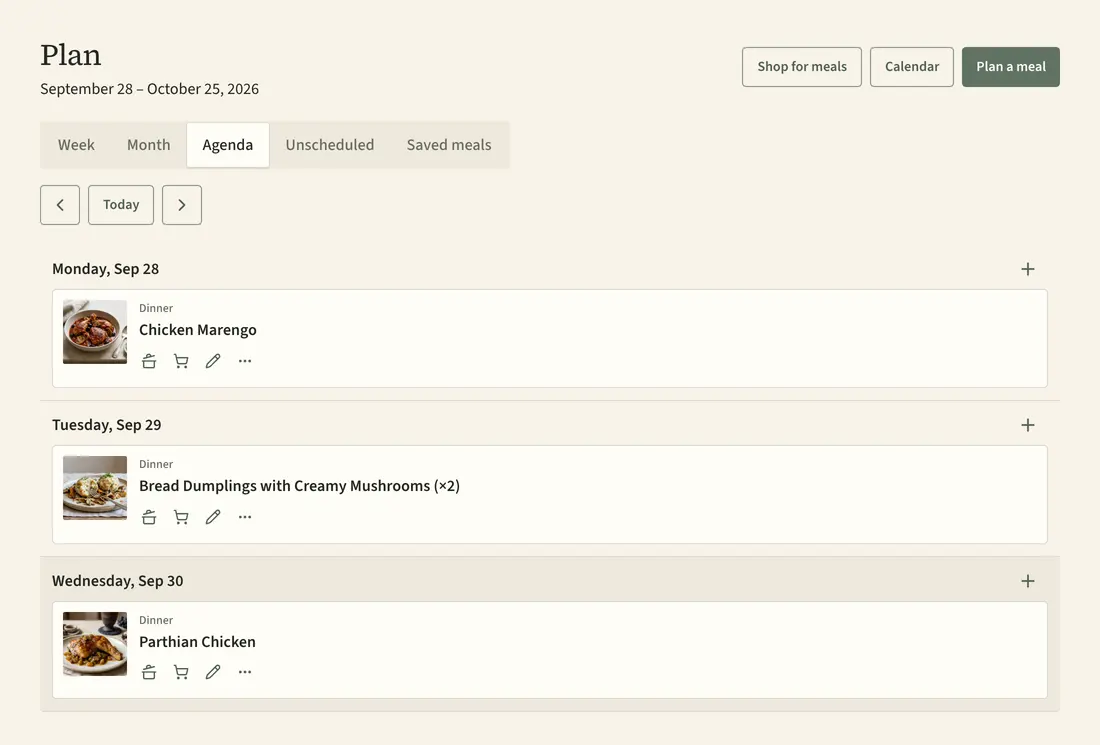
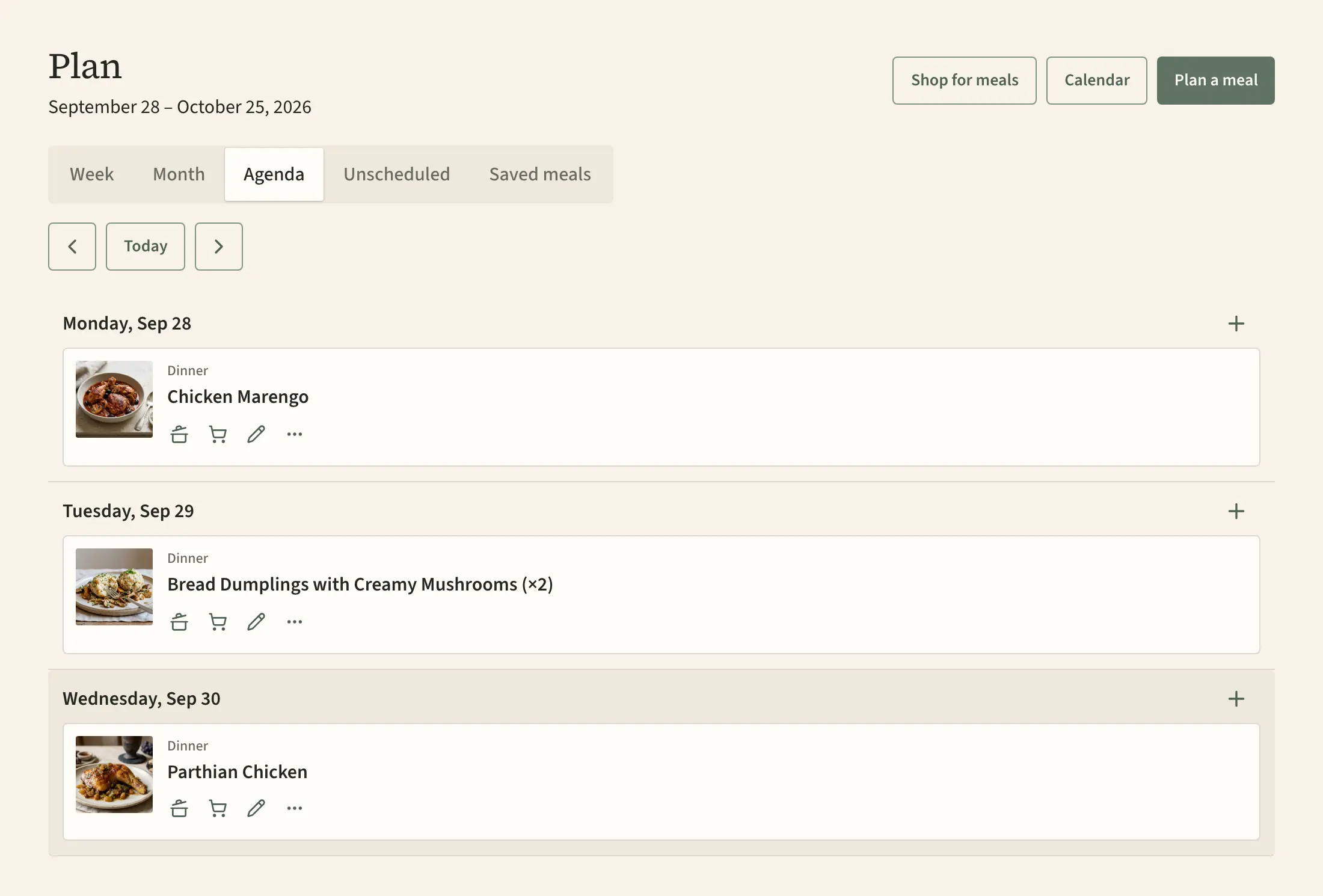
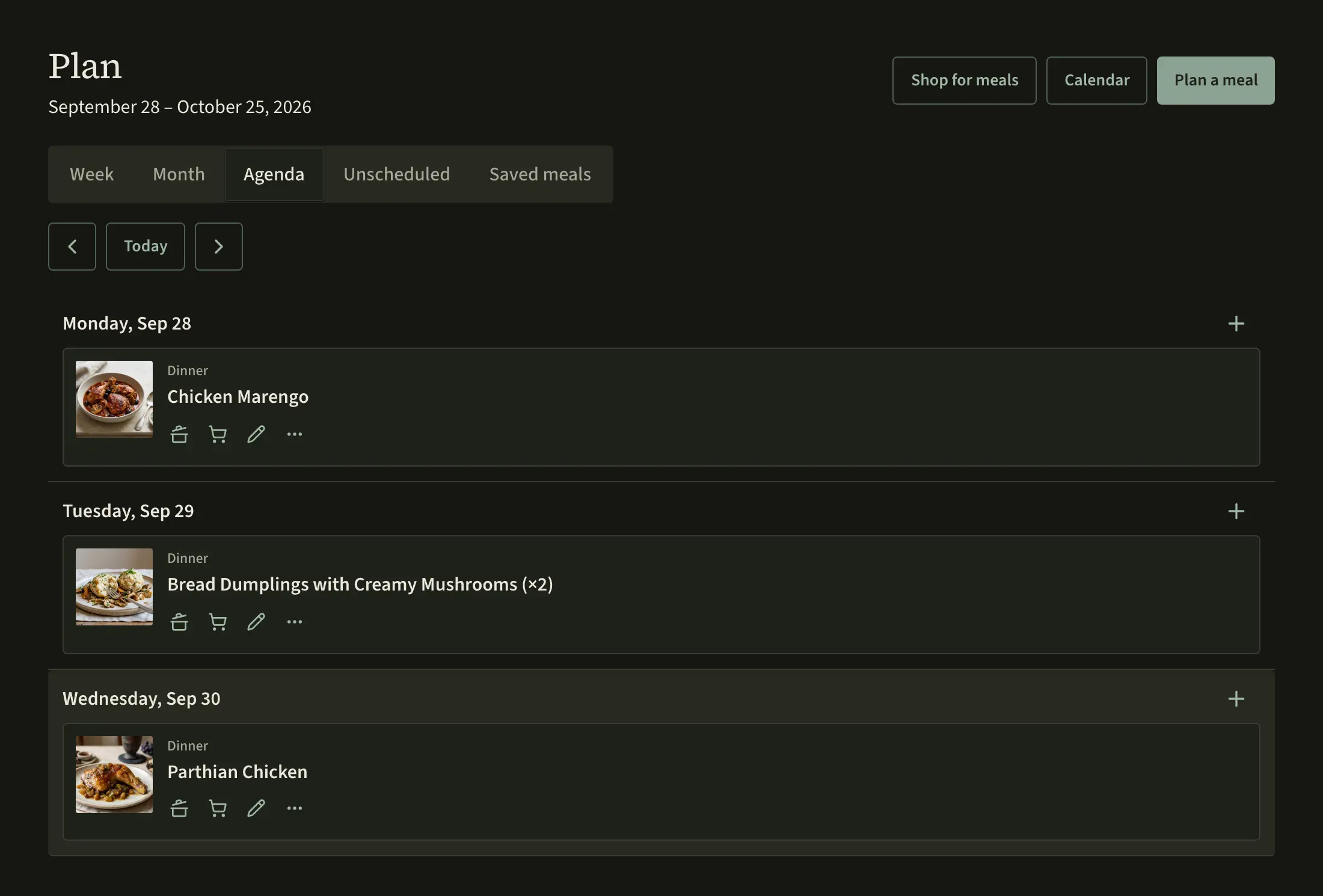
Plan the week and shop for it.
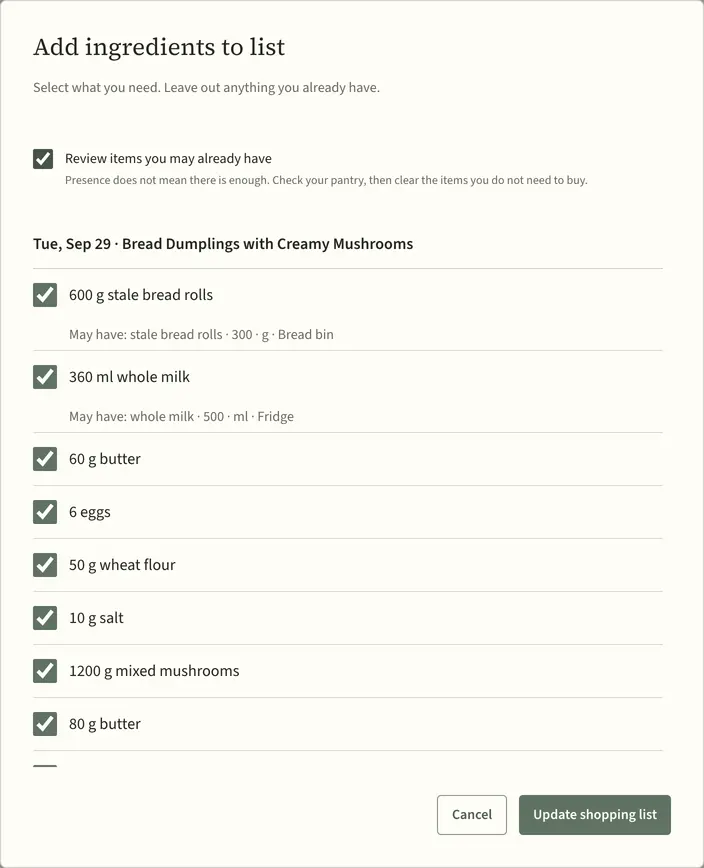
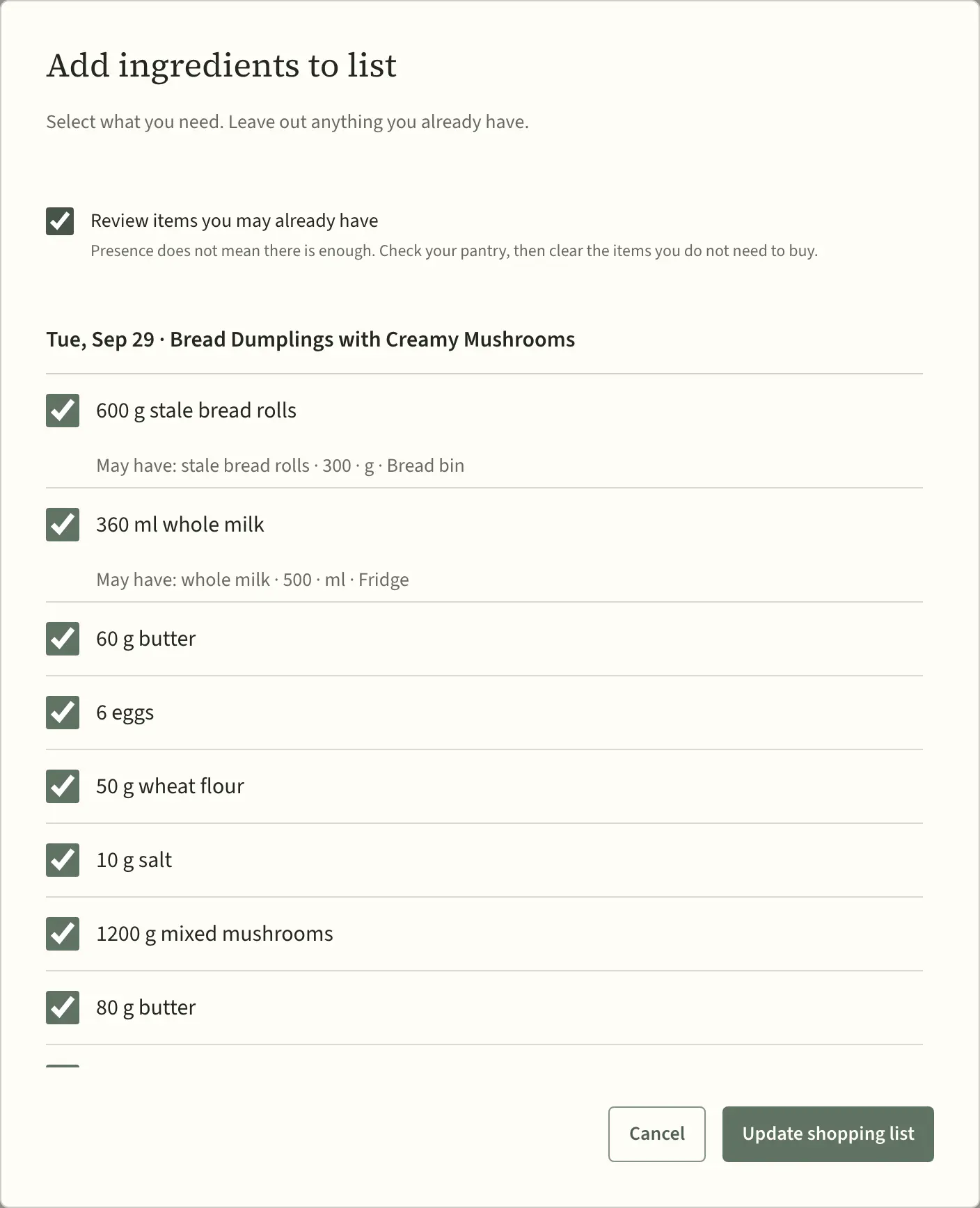
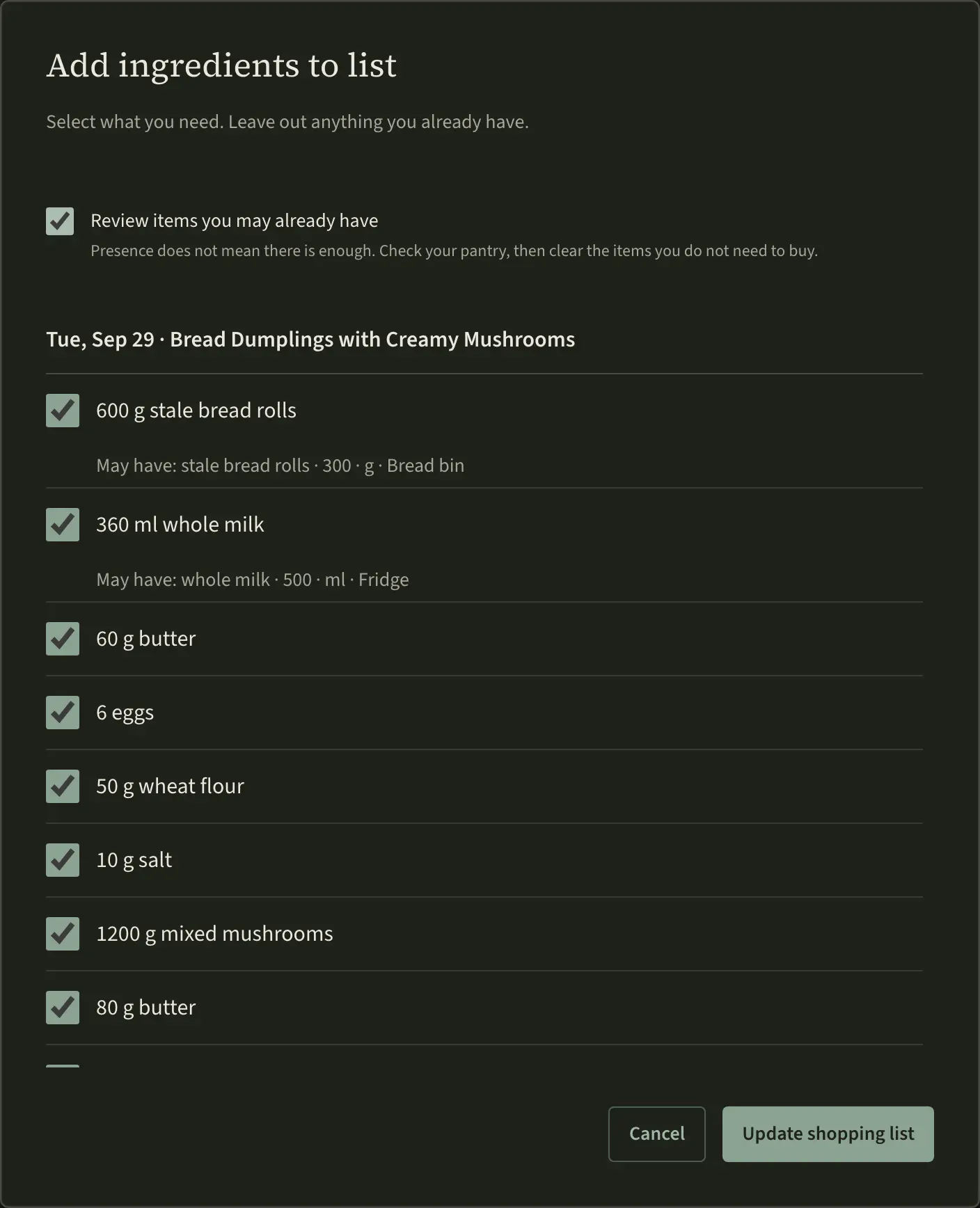
Put recipes, simple dishes, or leftovers on your plan. Savorum gathers their ingredients so you can add what you need to a shopping list. Keep ideas for later until you pick a day.
Tick items off as you shop, and keep a rough note of what’s in the pantry. See the plan by week or month, or add it to your calendar app.
Choose what to cook.
Choose what to buy.
A book gives recipes
a useful order.
Gather recipes into books, like this collection of ancient Roman dishes. Add a cover and a description, then arrange the recipes into chapters. One recipe can sit in several books at once.
You can also list the printed cookbooks you own, so you always know where a recipe came from.
Create and arrange a book →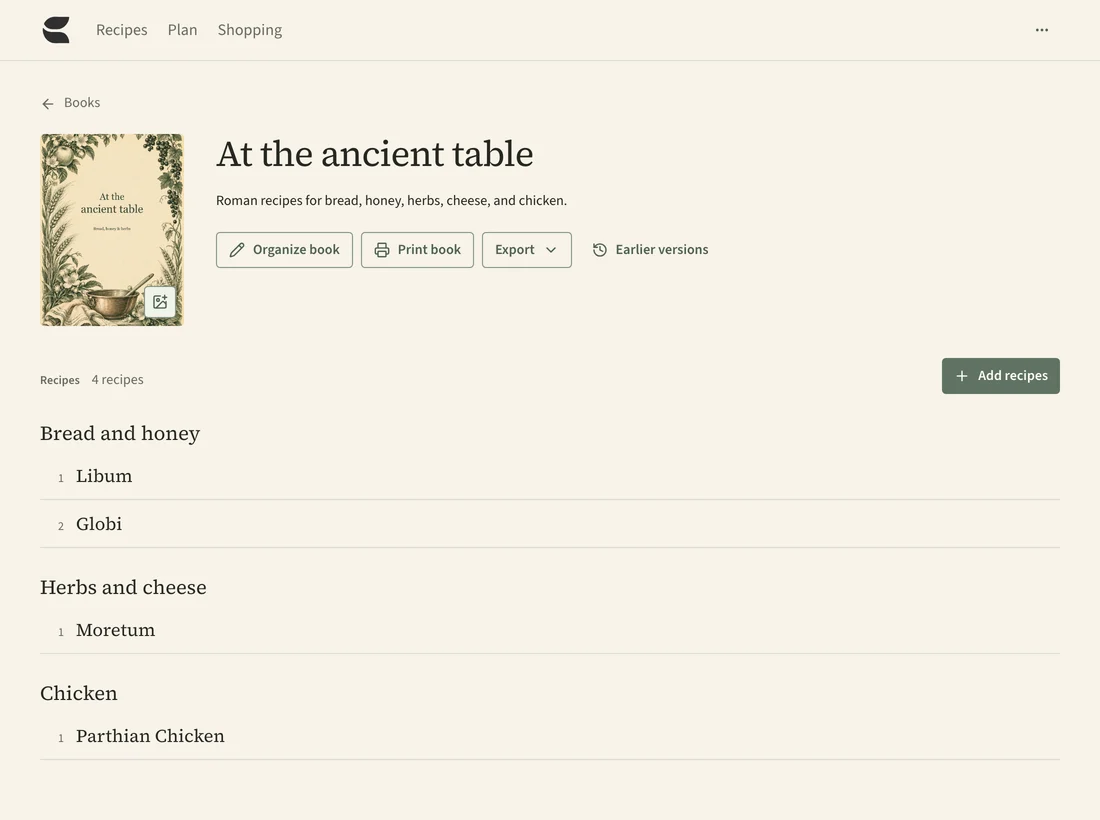
Make as much as you need.
The recipe makes 8 dumplings, enough for 4. Double it and Savorum shows the amounts for 16 dumplings, enough for 8.
The method stays as the author wrote it, and your saved recipe doesn’t change.
Amounts appear in the units you’re used to. Savorum never guesses a weight for a cup of flour.
Measurements and scaling guide →Follow the recipe one step at a time.
Cooking mode shows one step at a time, with the ingredients for that step right beside it.
Tick ingredients off as you use them, and move on when you’re ready.
Cooking mode guide →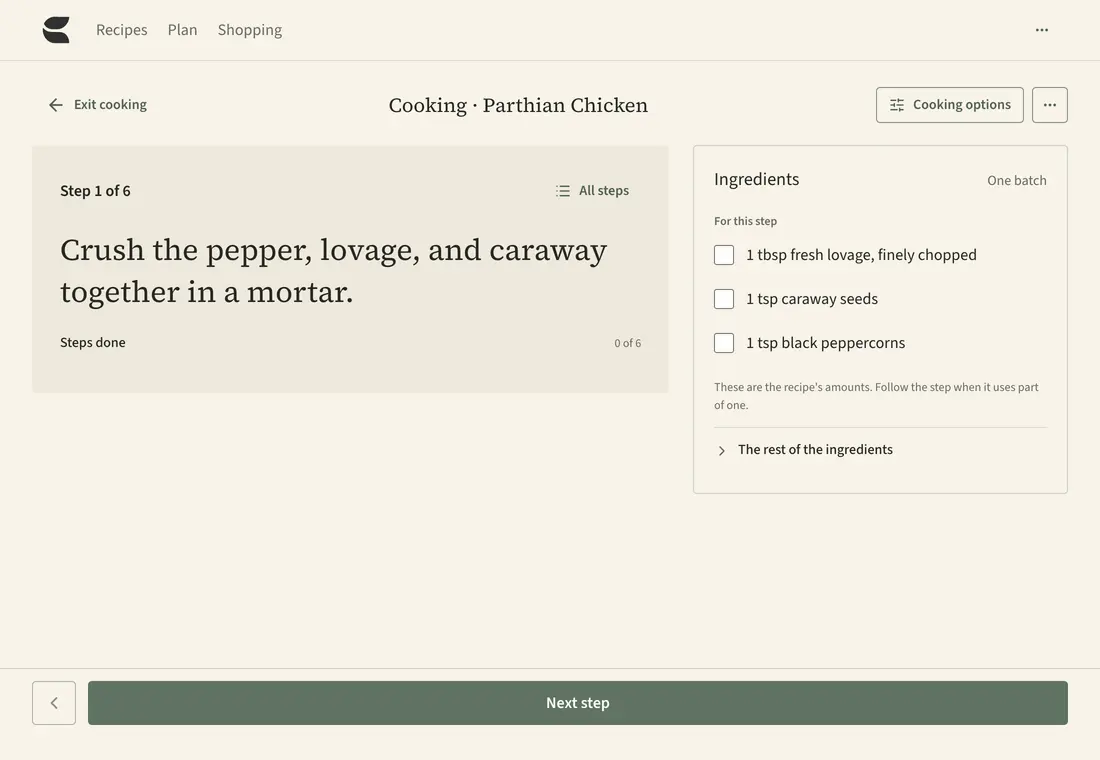
Print or export a recipe.
Print a full page in A4 or US Letter, or a set of recipe cards. Choose the batch size and which details to include.
Save a recipe and its photos as one file you can open in other apps. Or save a copy of your whole library, with its books, tags, and history.
See what is inside a recipe file →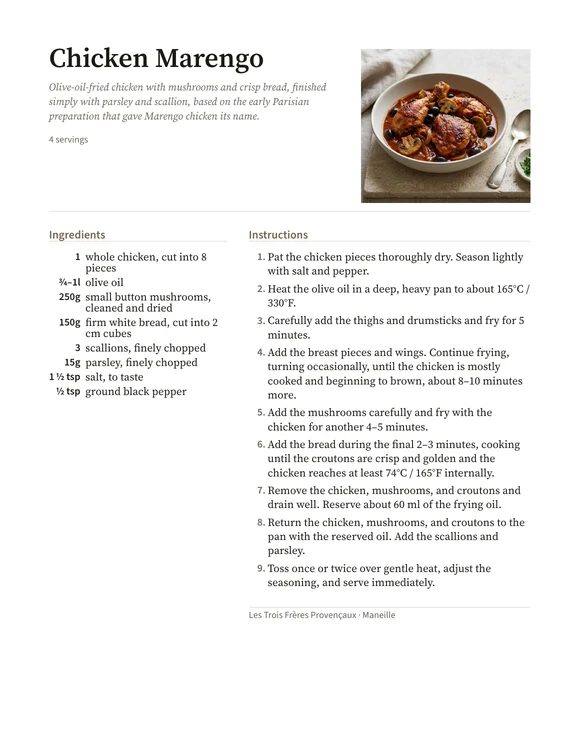
Savorum Cloud is coming soon.
We’ll host your library and back it up for you.