
Import your recipe collection.
Bring recipes from another app, a website, or your own notes. Check each one before it joins your library.
Wherever your recipes live now.
-
Another recipe app
Export your collection and bring it all across, photos included.
- CookBook Manager
- Paprika
- Mealie
- Tandoor Recipes
- Savorum / SREF
-
Recipe websites
Paste a link, or share the page from your phone. It works with recipe pages that open without signing in.
-
Social posts
Savorum finds the recipe in the caption or the page it links to.
- TikTok
- YouTube
-
Your own notes
Paste a recipe you typed up, or bring in a PDF or a photo of a printed page.
- Text
- Photos
Bring a recipe link, then review it.
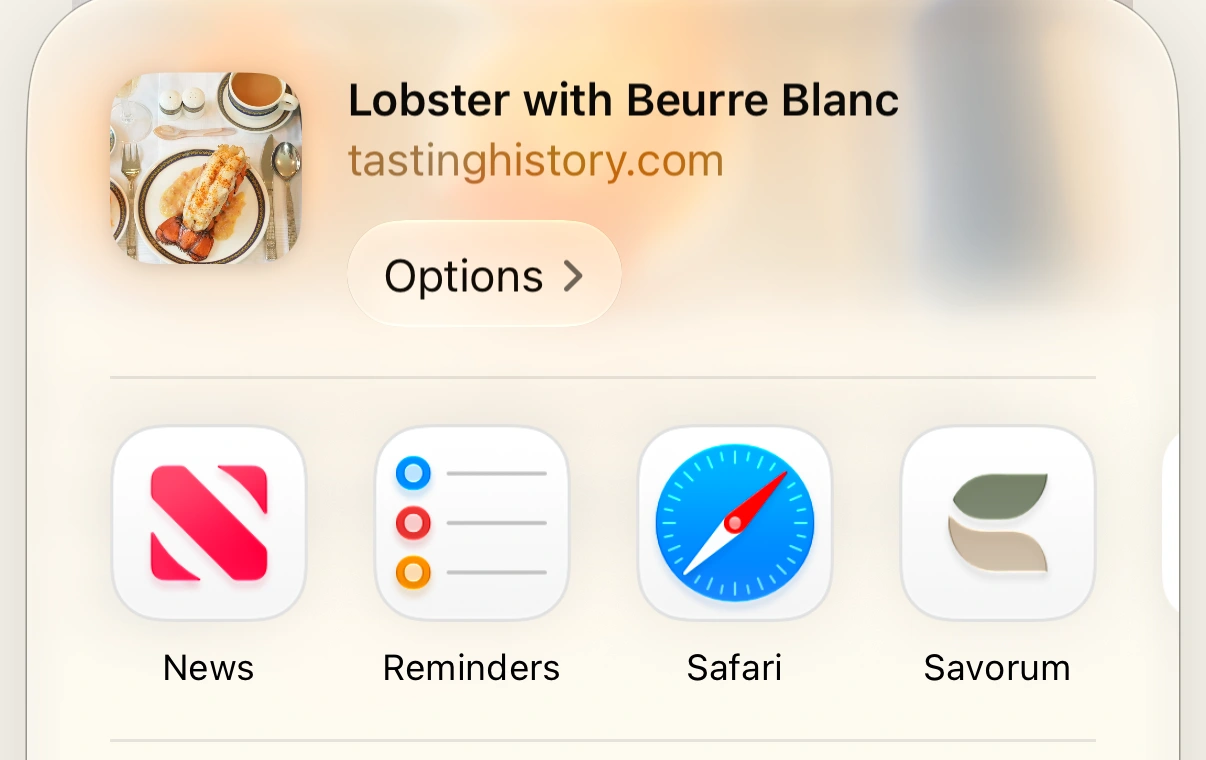
On iPhone, share a recipe page from Safari to Savorum, like Lobster with Beurre Blanc from Tasting History with Max Miller. Savorum keeps the link until you’re ready, then you check the recipe before saving it.
-
Share to Savorum
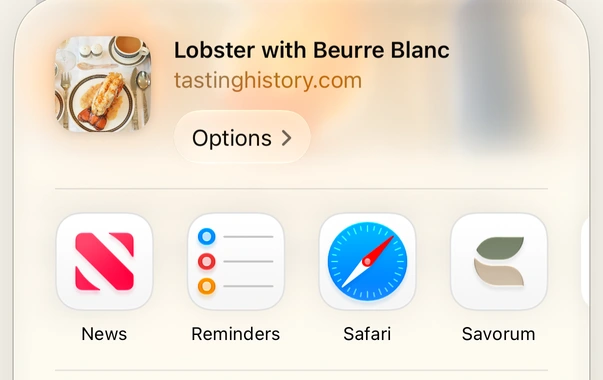
Choose Savorum from Safari’s share menu. View larger : Safari’s share menu shows Lobster with Beurre Blanc from tastinghistory.com and the Savorum app beside the other sharing destinations. -
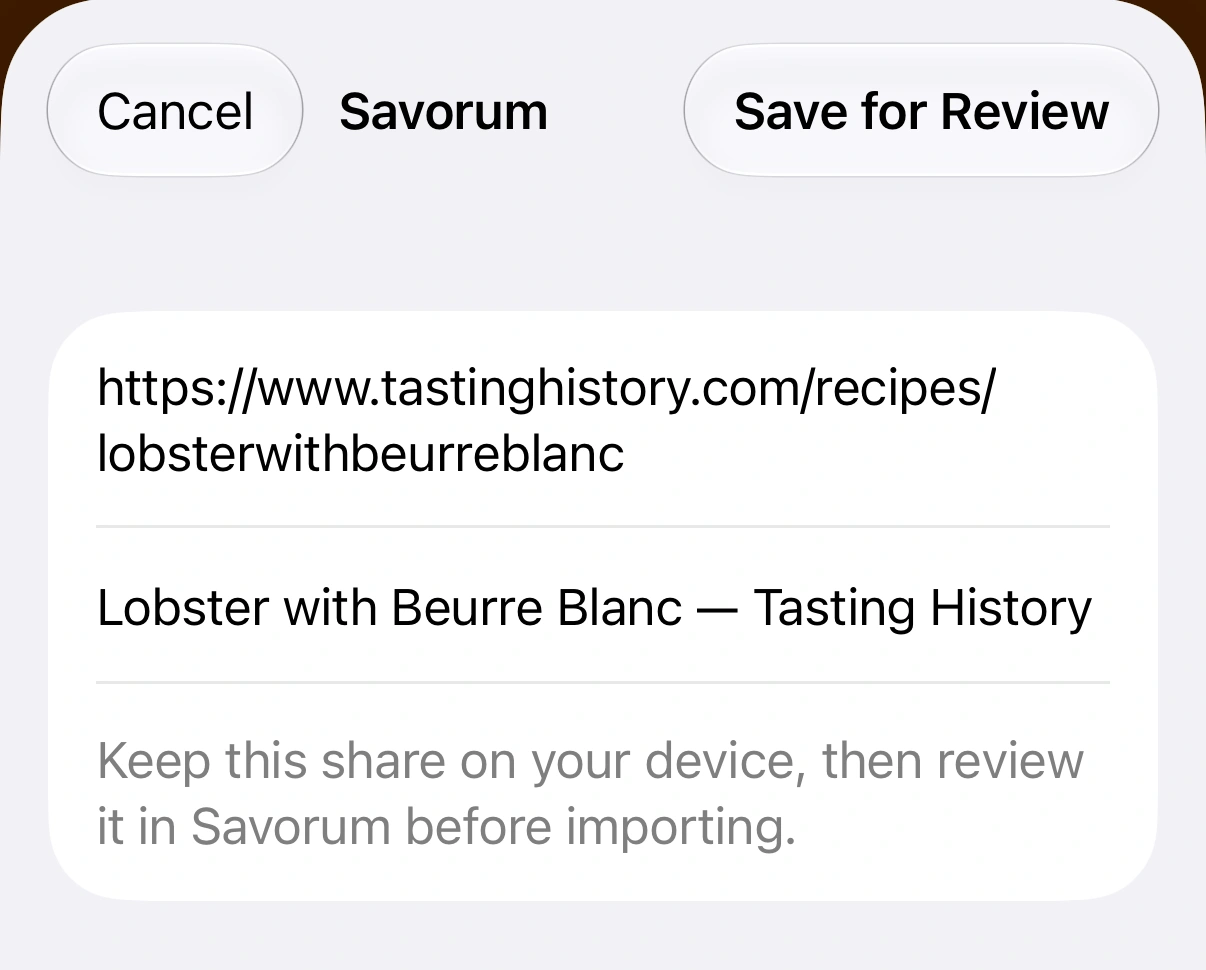
Save for Review
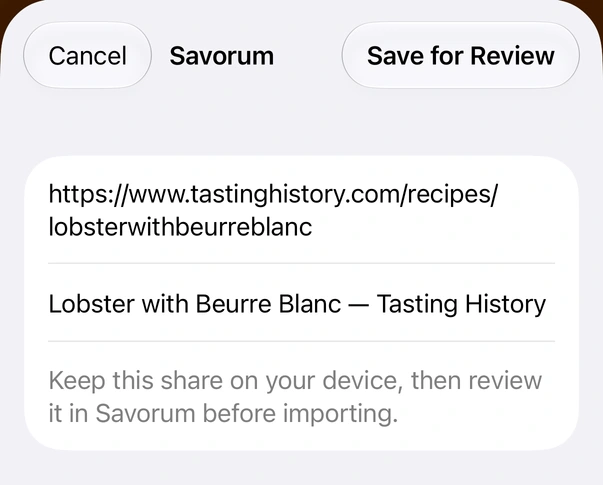
Keep the link on your device to review later. View larger : Savorum’s native share extension shows the recipe link and title beneath the Save for Review button. -
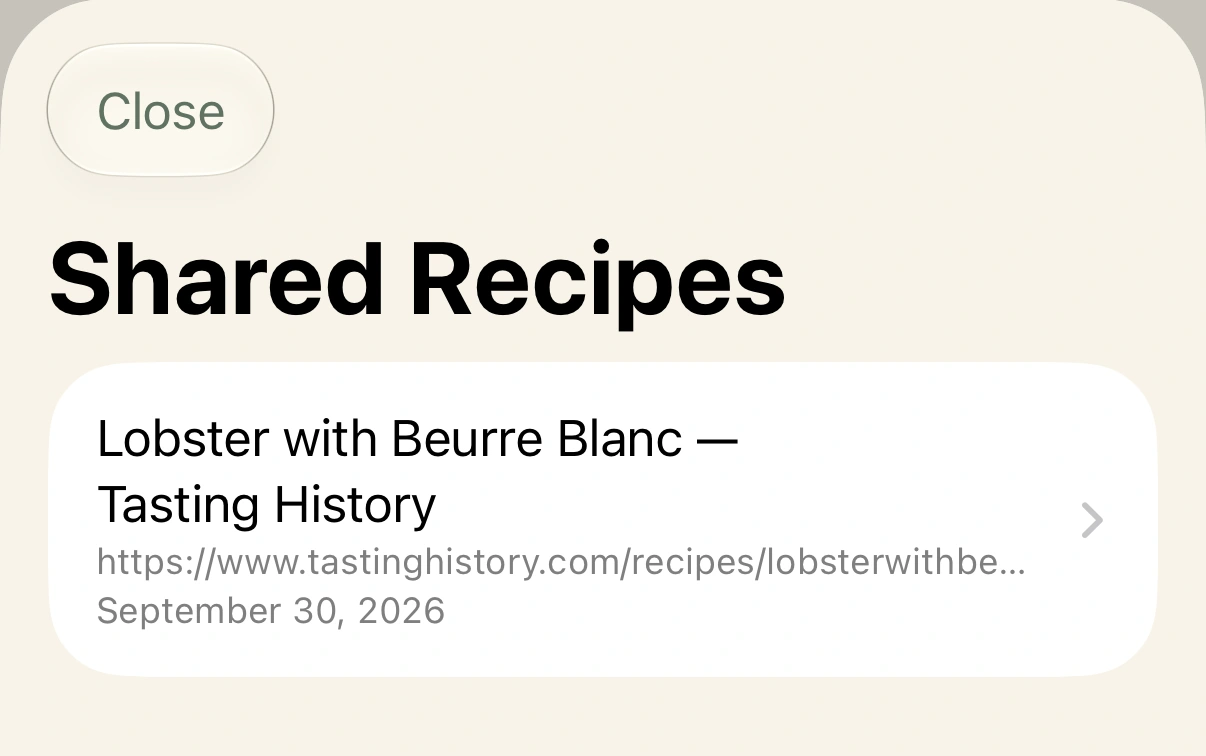
Open Shared Recipes
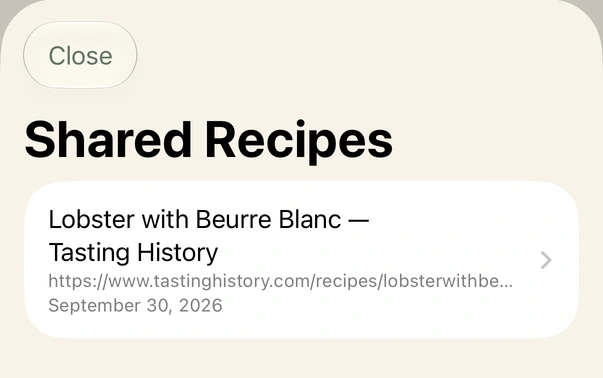
Select the saved link in Savorum. View larger : The Shared Recipes inbox in Savorum contains the saved Lobster with Beurre Blanc link from Tasting History. -
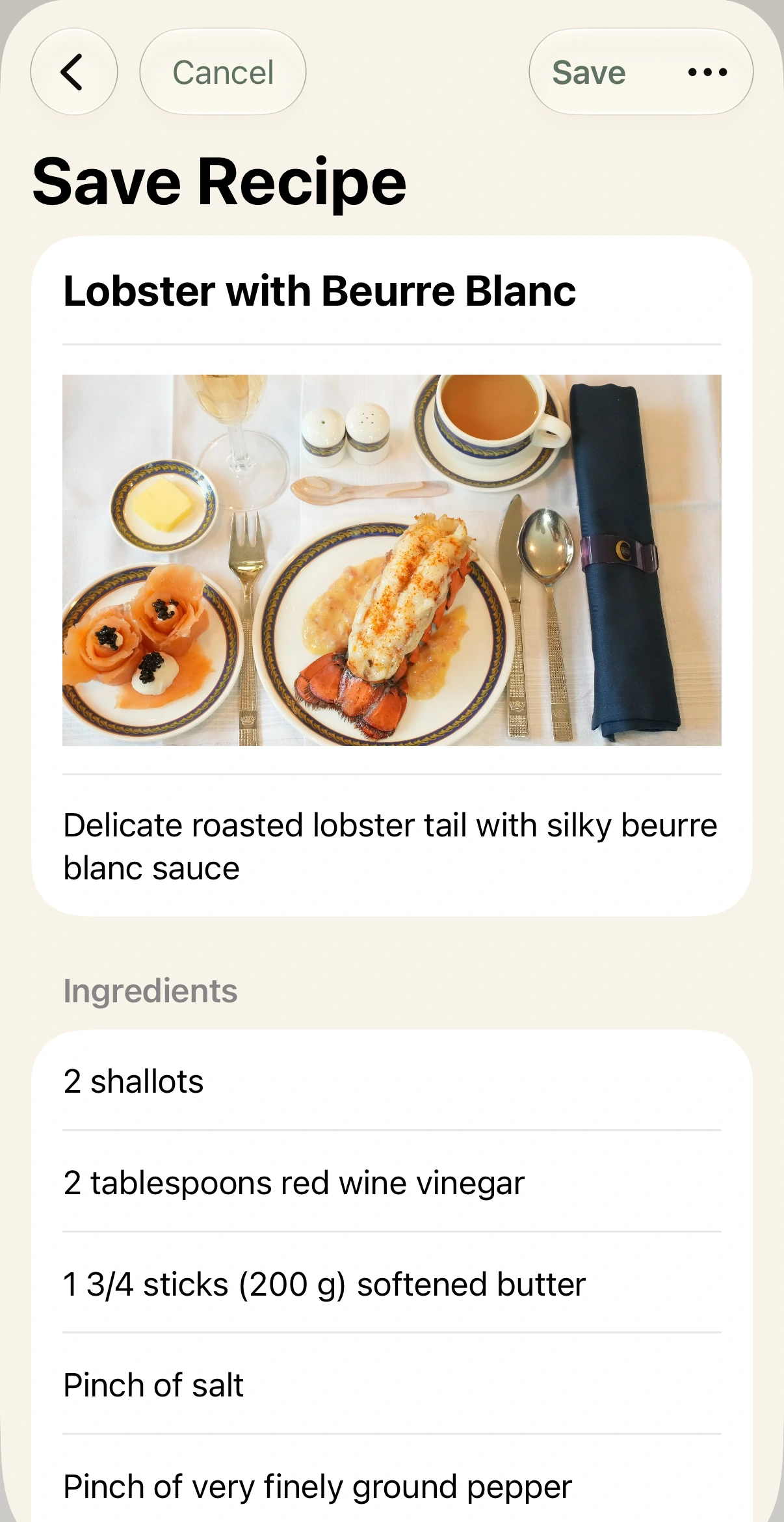
Review before saving
Check the ingredients and instructions against the original, then save when you’re ready.
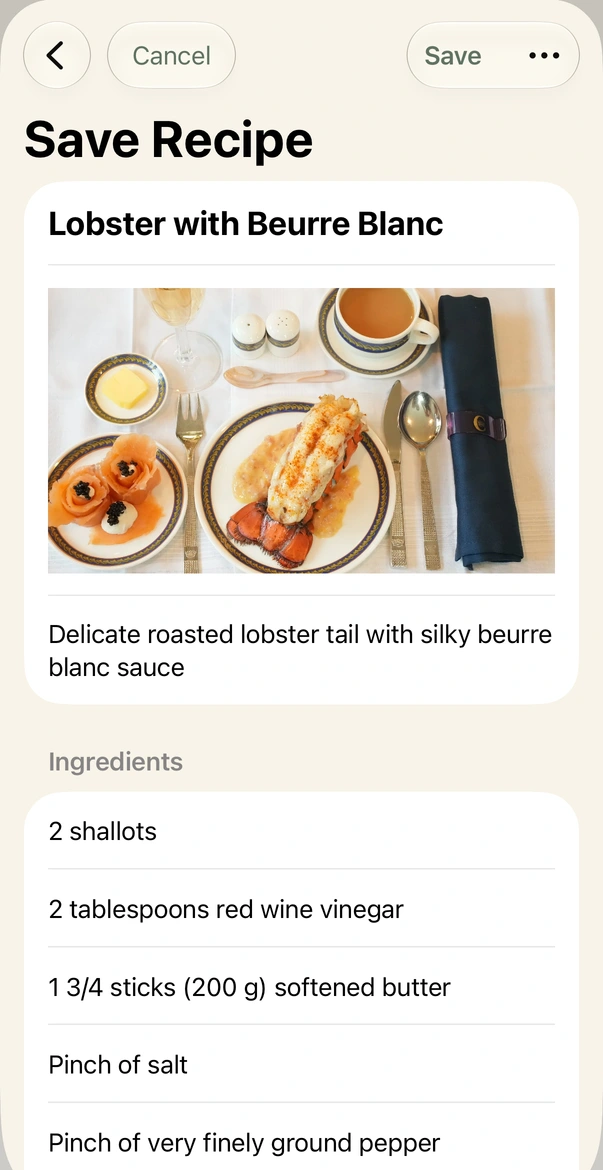
Title, photograph, description, and ingredients to review. View larger : Savorum’s native Save Recipe review shows Lobster with Beurre Blanc, its photograph, description, and first ingredients. Save and Cancel remain available at the top.
Some websites may need more review or may not import.
See the same import in a web browser
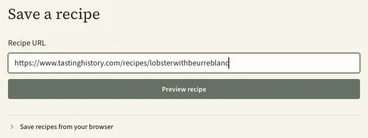
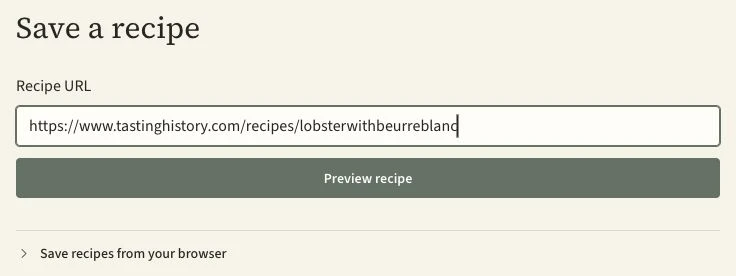
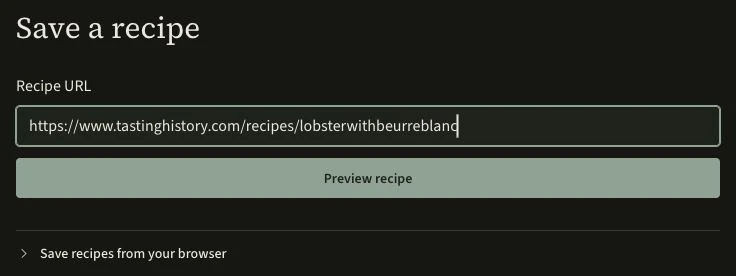
Paste the link
Check the review



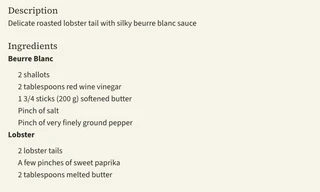
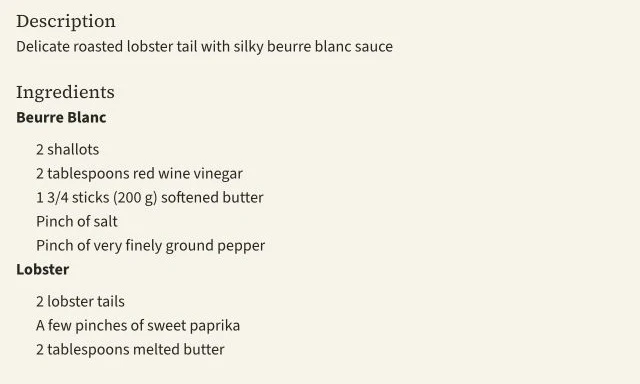
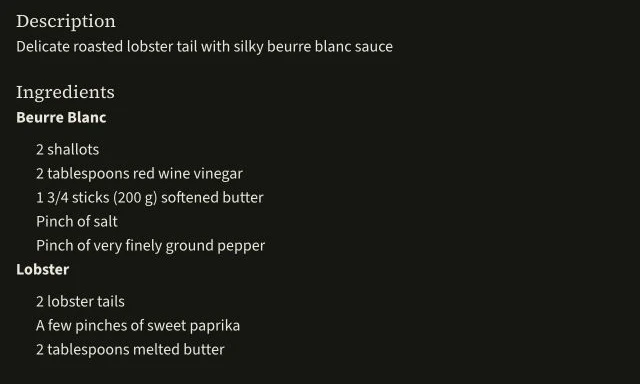
The preview keeps the title, author, both ingredient groups, all eight steps, and the link to the original.
See an import from a Savorum recipe file
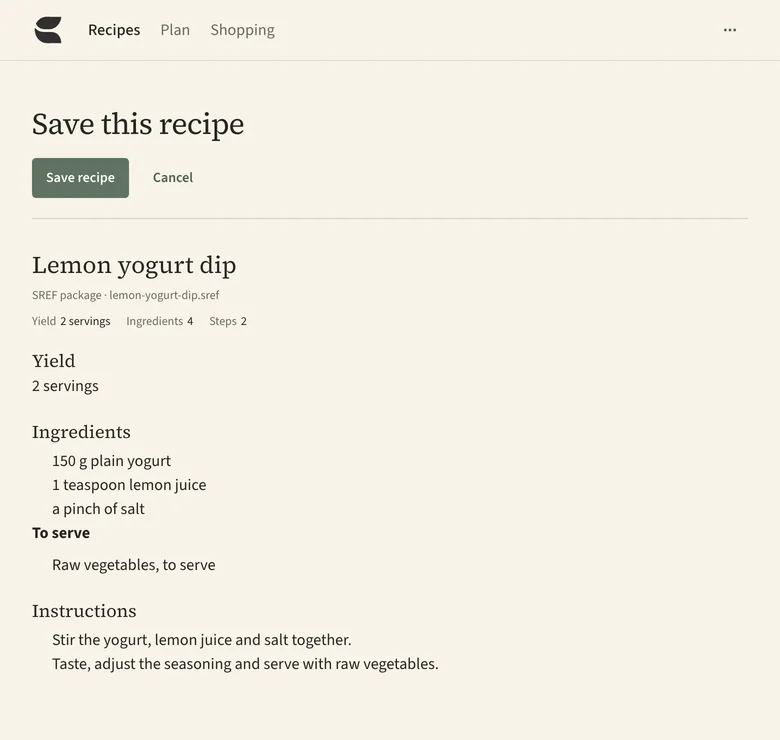
Savorum Cloud is coming soon.
We’ll host your library and back it up for you.